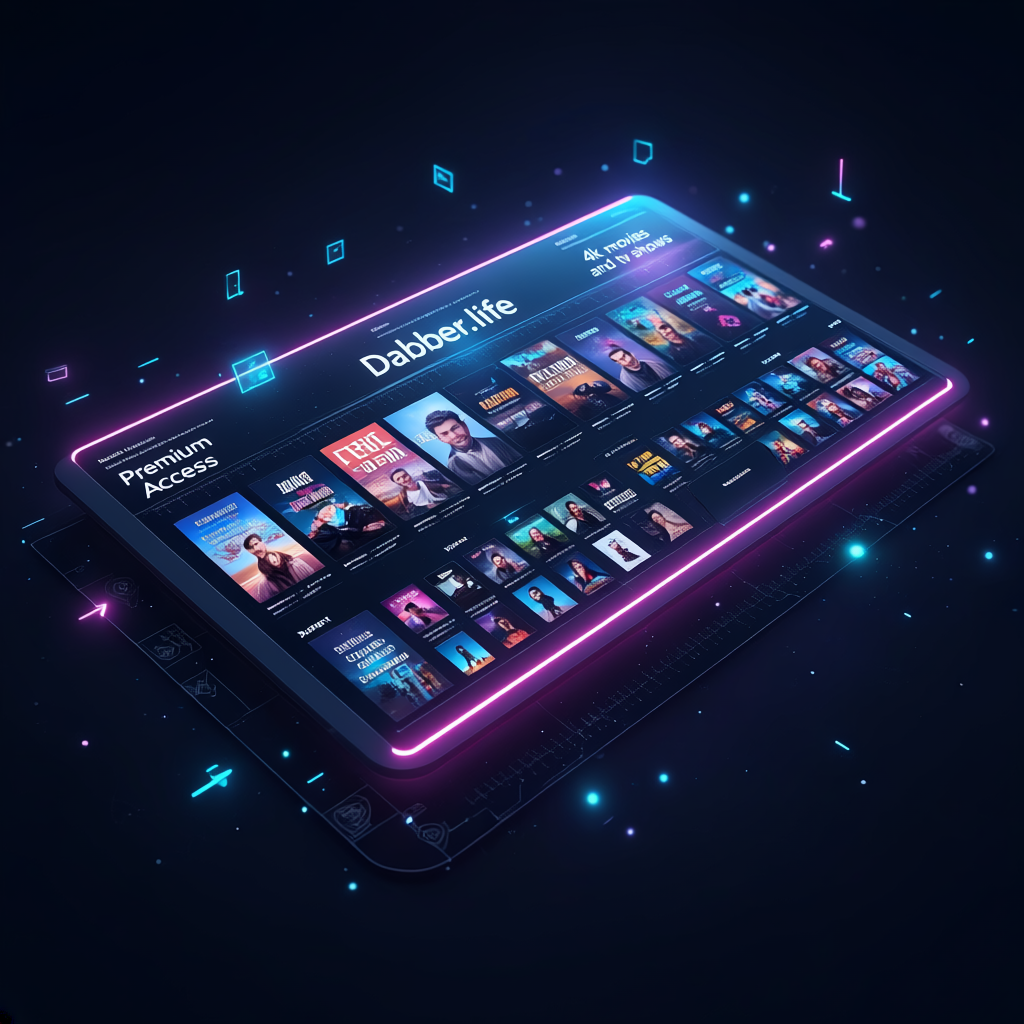
Your Entire Cinema,
Streaming from Discord.
A private bot that streams from a massive media library directly to your Discord voice channel. Search, queue, and watch together with friends. No accounts, no apps — just Discord.

Recently Added
Updated weeklyEngineered for Immersion.
Every feature is tuned to provide a zero-compromise viewing experience within the Discord ecosystem.
4K High Fidelity Playback
Source files up to 4K HDR with Dolby Vision and lossless audio. Hardware-accelerated NVENC encoding for smooth, real-time streaming.
Massive Catalog
940+ movies, 330+ TV shows. New content added weekly. From classics to new releases.
One-Click Play
Type !stream and a movie name. The bot searches, joins voice, and starts streaming. That simple.
Private Streaming
Your own dedicated bot instance. No shared queues, no strangers. Just you and your friends.
Cross-Platform
Mobile, Desktop, or Tablet. If Discord runs on it, StreamBot streams on it.
Start Your Show in Seconds.
Invite Bot
Subscribe and we add your dedicated StreamBot to your Discord server within 24 hours.
Browse Library
Search movies and shows with !streamsearch. Queue full seasons with !stream Show S01. Auto-advances to the next episode.
Sit Back and Stream
Hop into a voice channel, select your movie, and enjoy the theater experience.
Stream Quality Explained.
StreamBot auto-detects your server's boost level and encodes at the optimal quality. No config needed.
No Boosts
15 FPS • 3 Mbps
Standard quality for unboosted servers
Level 1+
60 FPS • 5 Mbps
Smooth playback at 2+ server boosts
Level 2+ / Nitro
60 FPS • 8 Mbps
Full HD at 7+ boosts or with Nitro
These are Discord platform limitations, not StreamBot limitations. The bot automatically adapts to your server's capabilities.
Before You Get Started.
Everything you need to know before subscribing.
Required Permissions
StreamBot is added as a member to your server. You'll need to give it a role with these permissions:
Good to Know
How do I use it?
Join a voice channel, then type commands in any text channel. The bot joins your voice channel and starts a Go Live stream.
Can it be in multiple voice channels?
No — one stream at a time. If someone is already watching, the current stream needs to finish or be stopped first.
What if content is missing?
Request it. Most movies and shows are added within 24 hours.
What commands are available?
Type !streamhelp in Discord to see all commands — play, search, browse genres, queue, pause, seek, and more.
Payment methods?
Crypto (USDC, ETH), Cash App, Venmo, Zelle. Contact us to set up.
Simple Pricing. Unlimited Access.
Premium Access
Accepts crypto (USDC, ETH) and other methods
Common Questions
What is the streaming quality? expand_more
How often is the library updated? expand_more
Why is my stream only 720p? expand_more
Can multiple people watch at the same time? expand_more
What permissions does the bot need? expand_more
Required: View Channels, Send Messages, Read Message History, Connect, Speak, Use Voice Activity, Go Live / Stream
Recommended: Manage Messages (for smoother menu navigation), Add Reactions
StreamBot is added as a regular member — just assign it a role with these permissions.